🏠
Home dashboard
Where you land, and where you can see how ready you are.
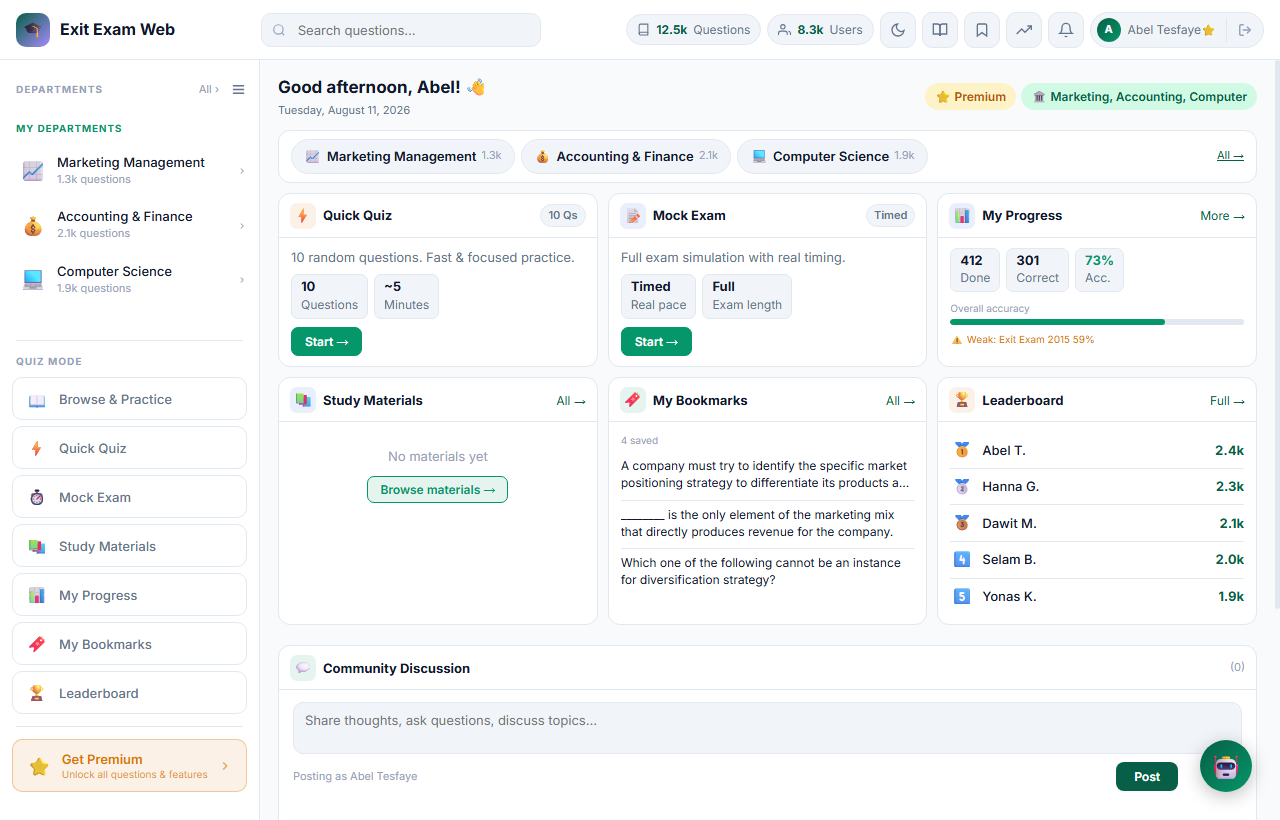
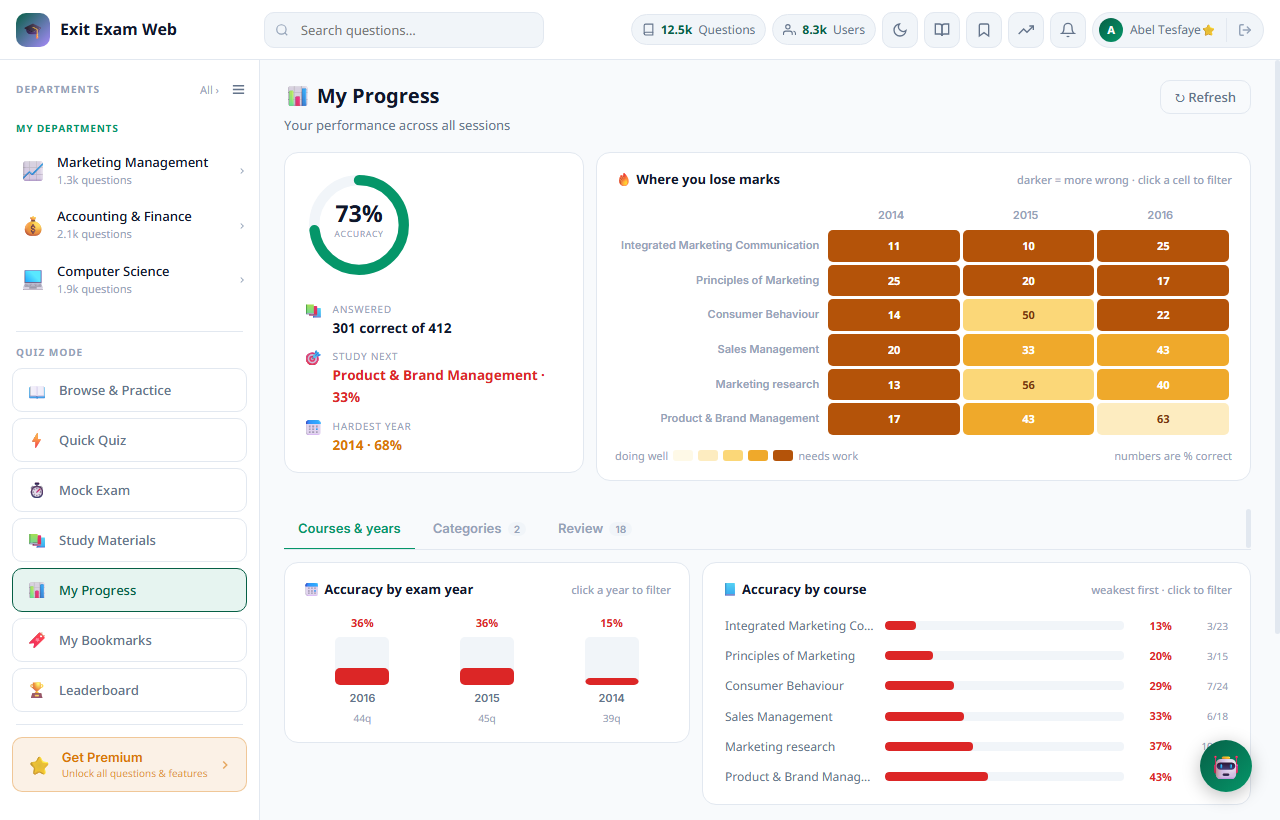
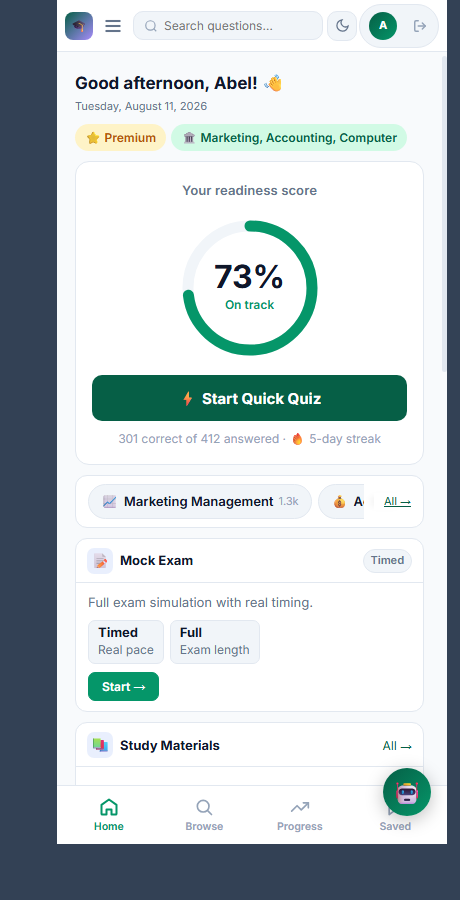
- On a phone the first thing you see is your readiness score — your accuracy across every question you have answered — with one button to start practising.
- On a laptop, the banner at top has two quick actions — Launch Practice Exam and AI Study Tutor — above the same readiness ring; click it, or See full breakdown, to open My Progress.
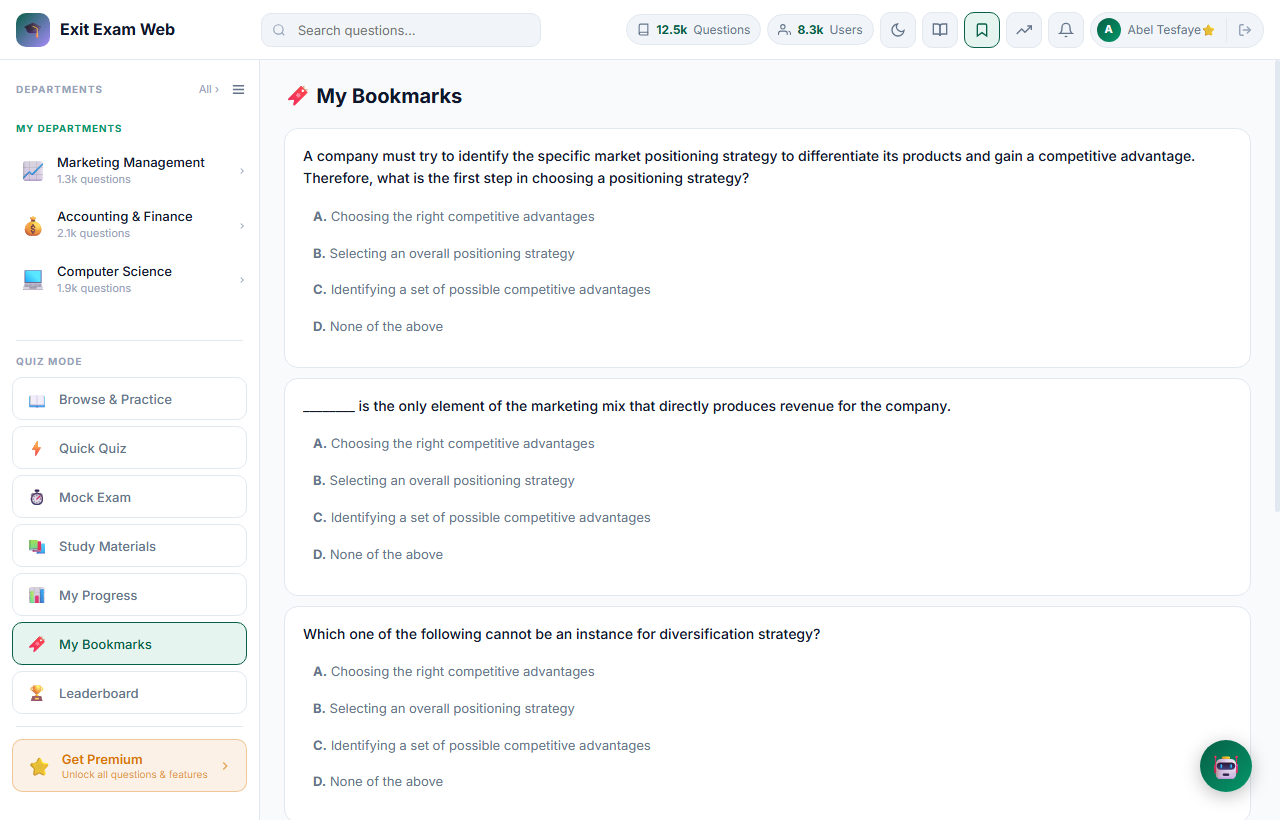
- The three cards below it — Correct Answers, Completed Sessions, Bookmarks Saved — each link straight to the page they summarize.
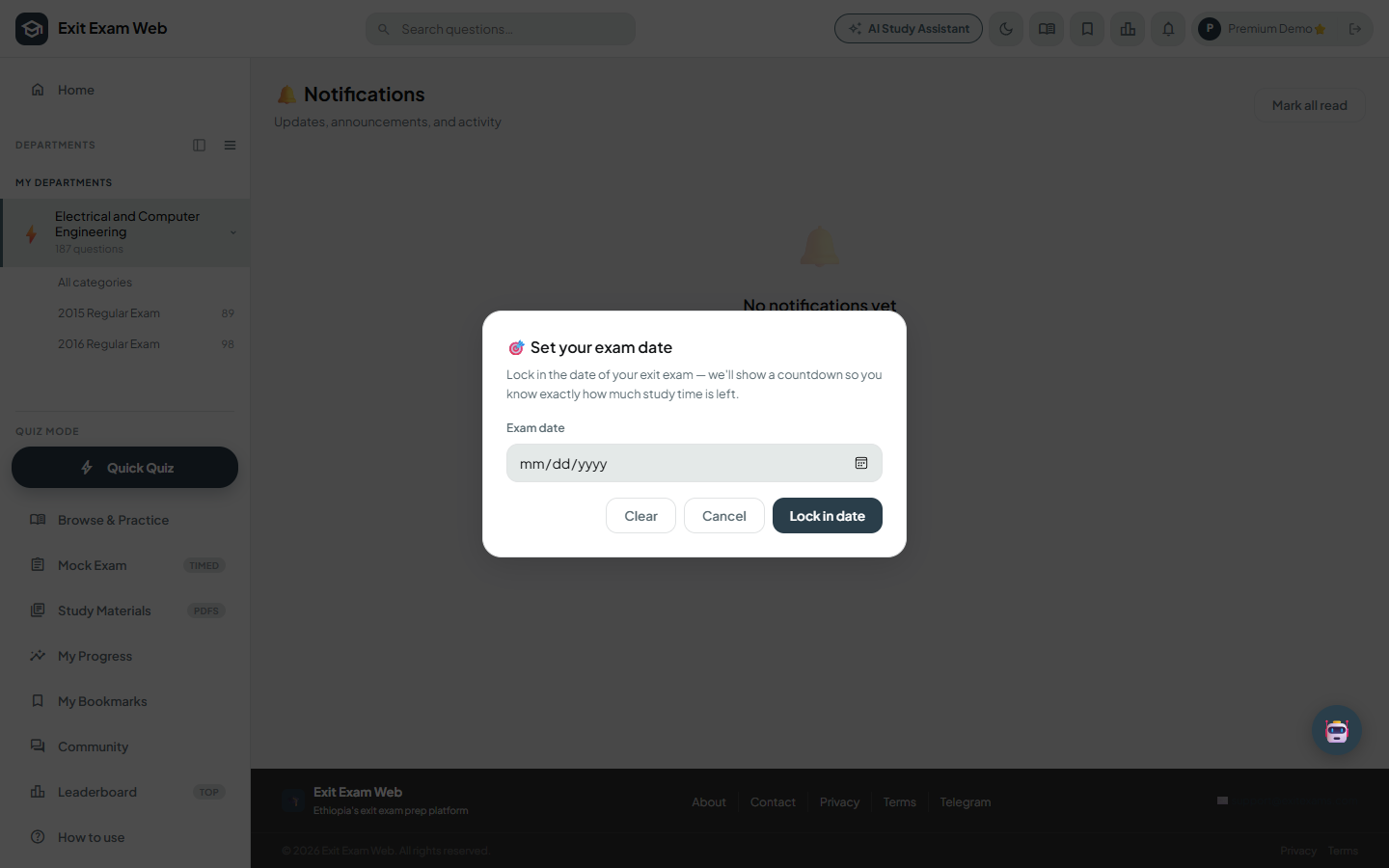
- The Exam Date card sets a countdown to your real exam date — see Exam Date below. Your departments live in the sidebar under My Departments; click one to jump into its questions.
Green means 70% or better, amber 50–69%, red below 50% — the same everywhere in the app.