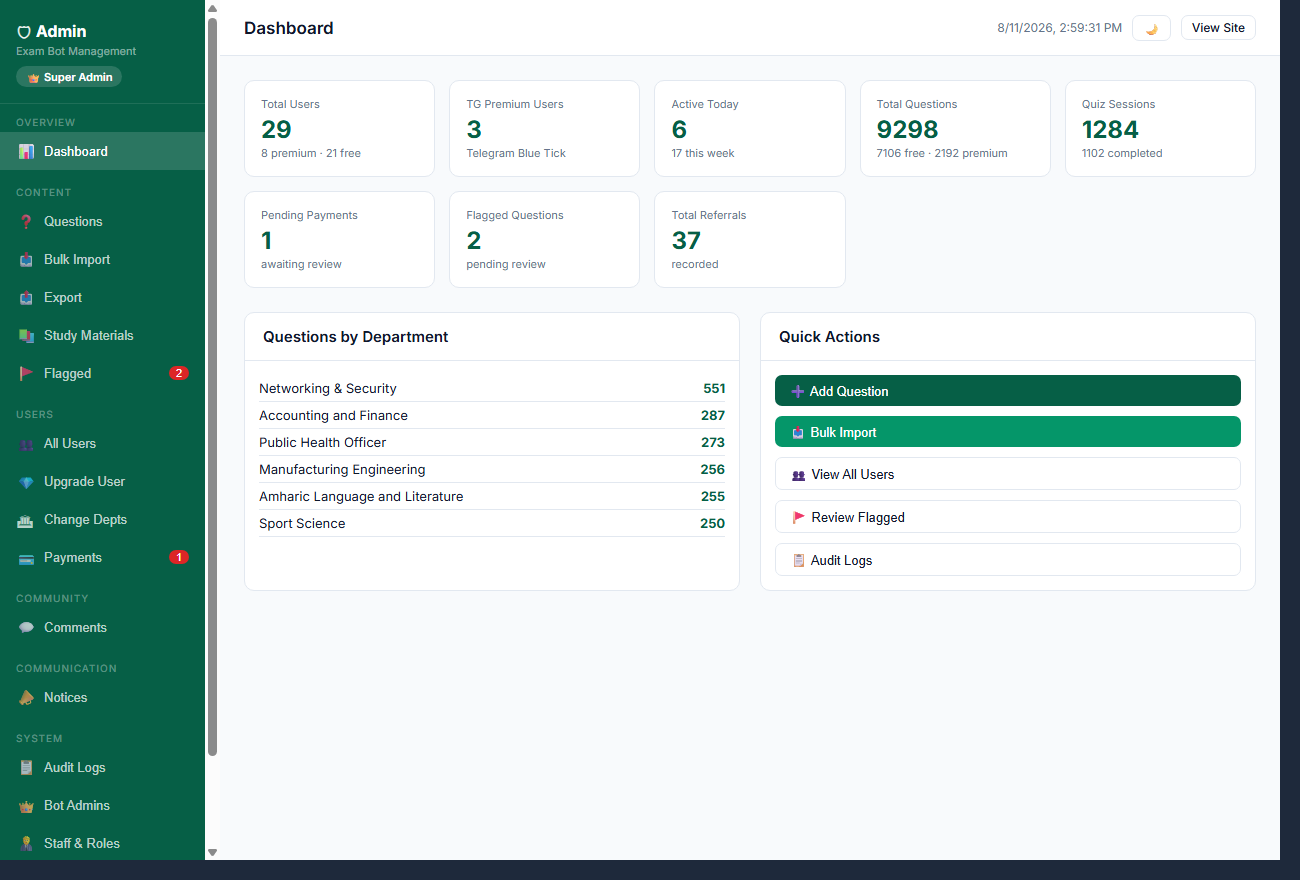
Questions by Department
Quick Actions
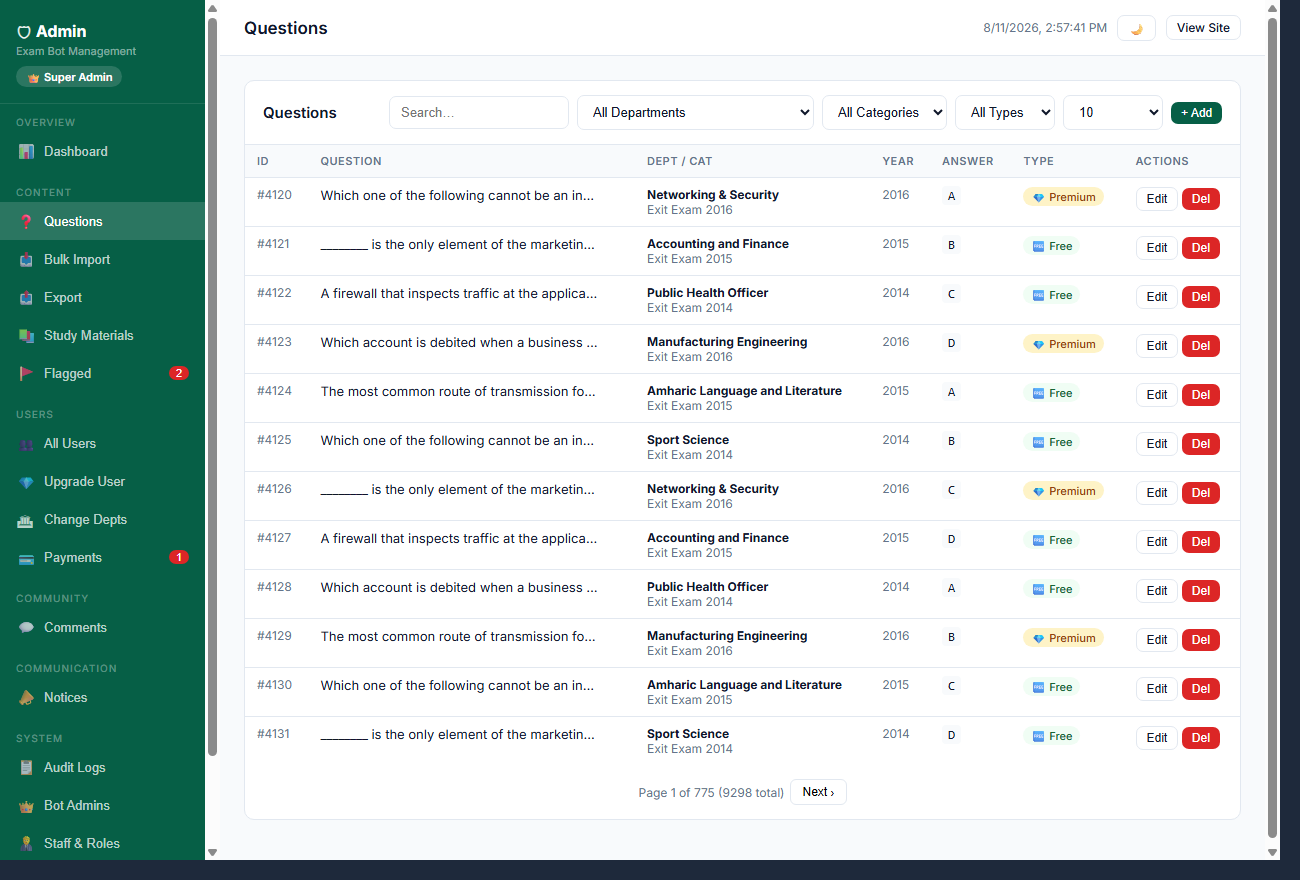
Questions
| ID | Question | Dept / Cat | Answer | Type | Actions |
|---|---|---|---|---|---|
| Loading⦠| |||||
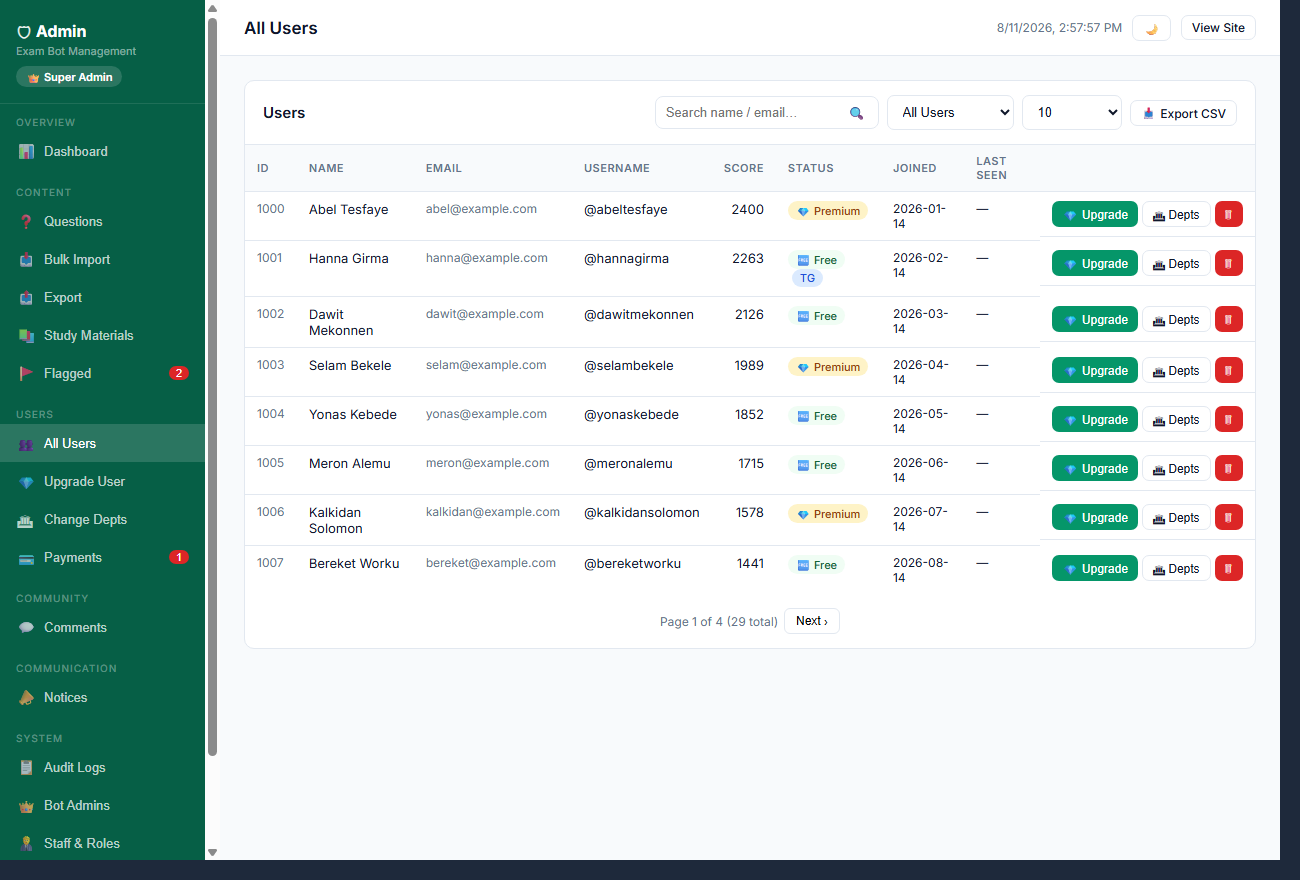
Users
| ID | Name | Username | Score | Status | Joined | Last Seen | ||
|---|---|---|---|---|---|---|---|---|
| Loading⦠| ||||||||
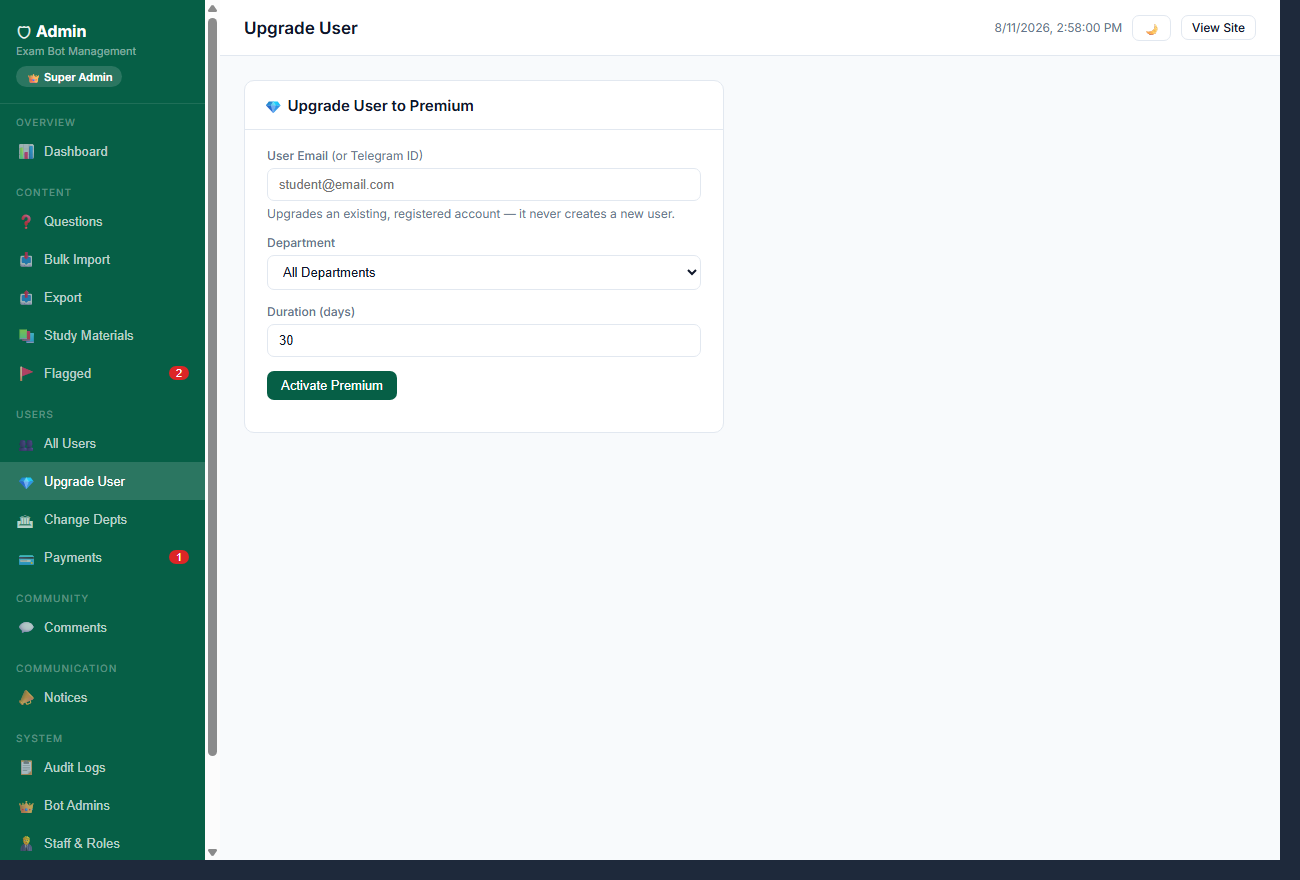
π Upgrade User to Premium
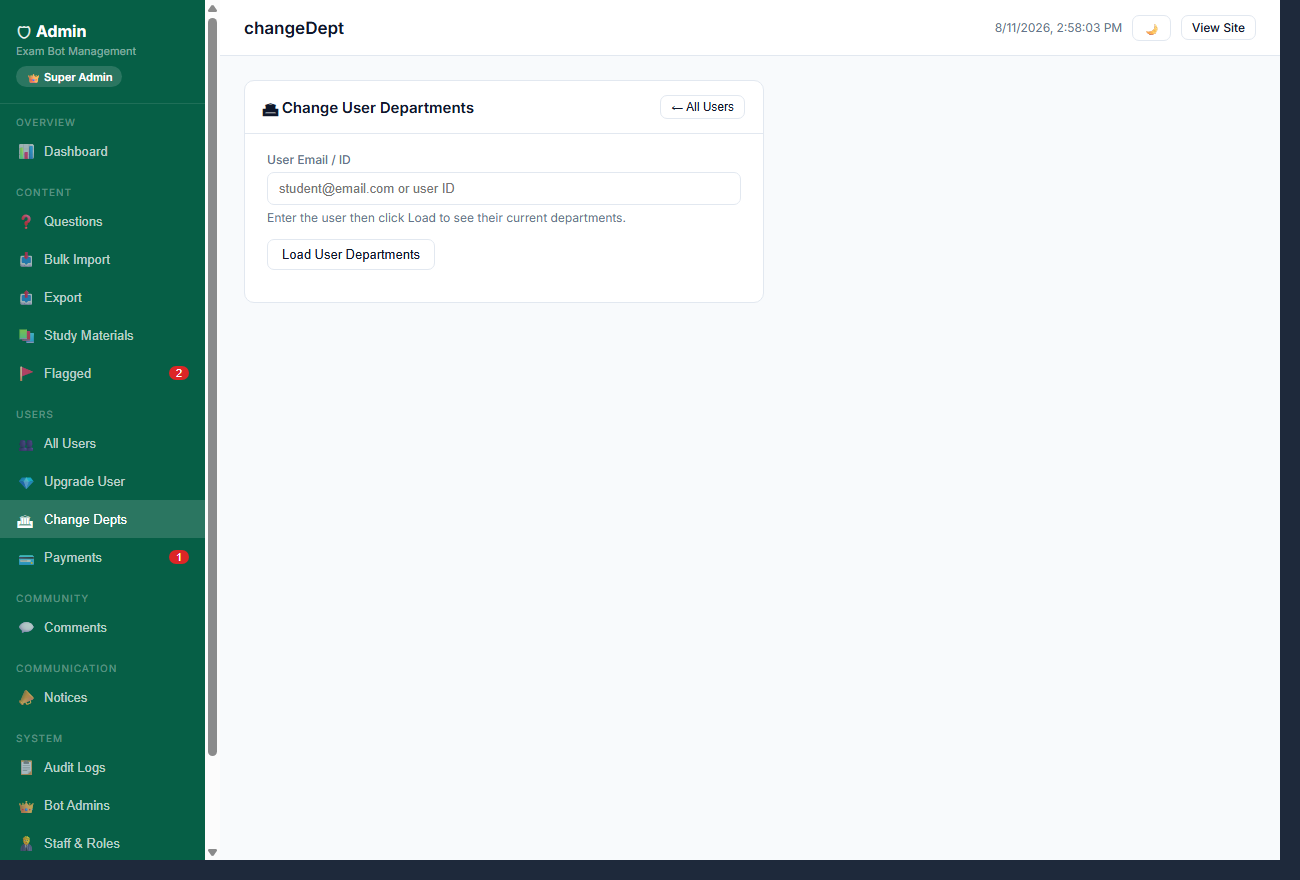
π Change User Departments
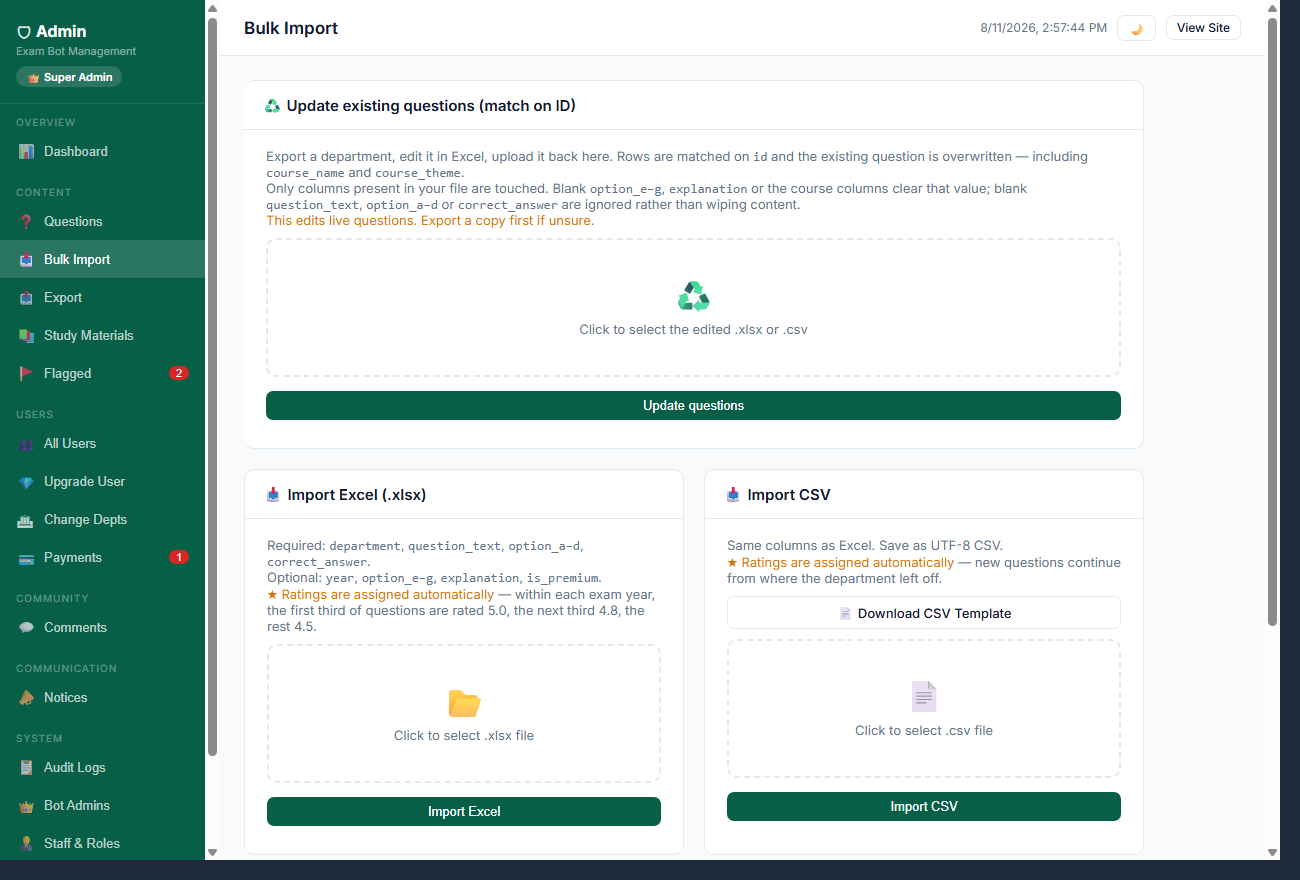
π₯ Import Excel (.xlsx)
Required: department, question_text,
option_aβd, correct_answer.
Optional: option_eβg, explanation, is_premium.
β
Ratings are assigned automatically
β questions continue from the dept's current count.
Click to select .xlsx file
π₯ Import CSV
Same columns as Excel. Save as UTF-8 CSV.
β
Ratings are assigned automatically
β new questions continue from where the department left off.
Click to select .csv file
π Bulk Delete Questions
β οΈ Permanently deletes all matching questions β this cannot be undone.
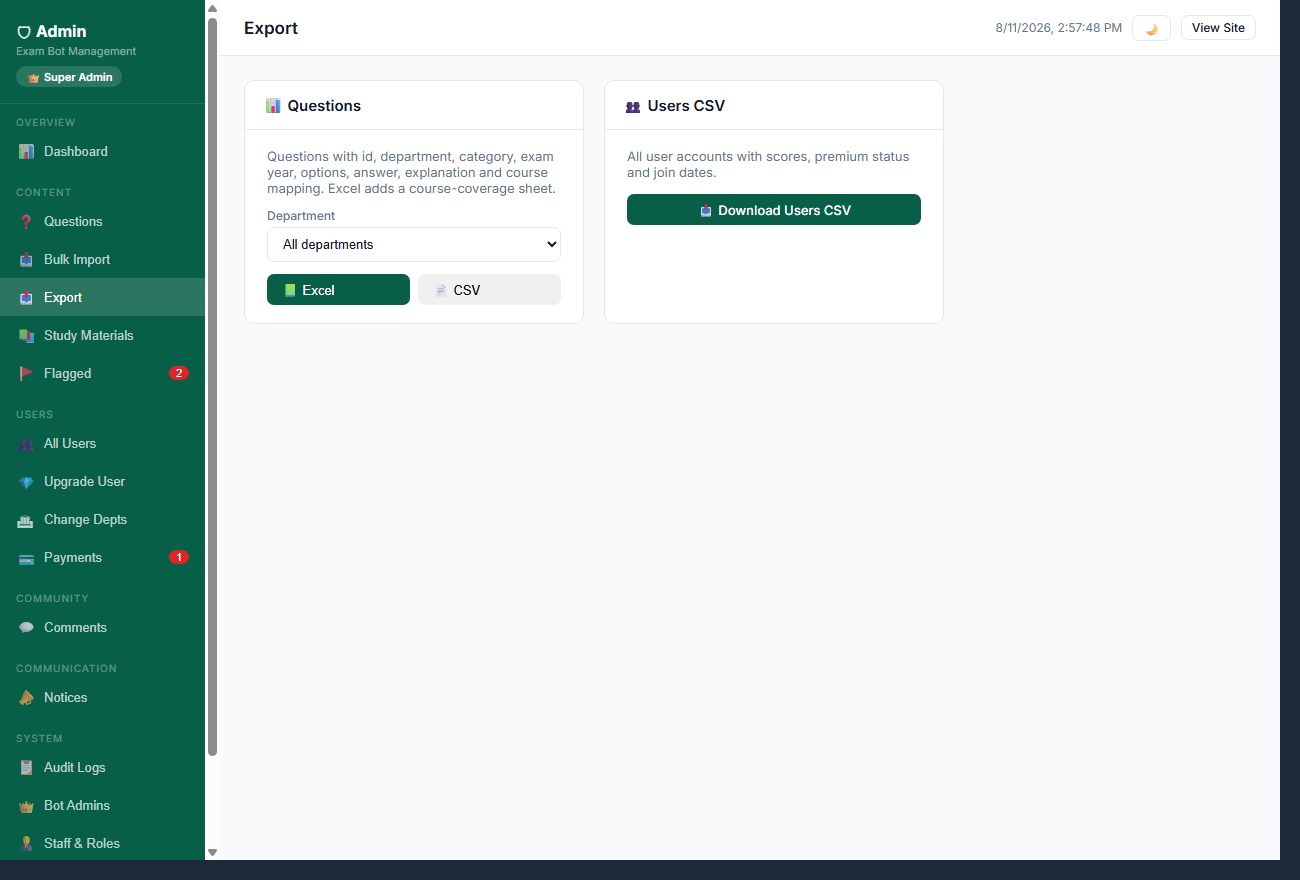
π Questions CSV
All questions with department, category, options, correct answer and explanation.
π₯ Download Questions CSVπ₯ Users CSV
All user accounts with scores, premium status and join dates.
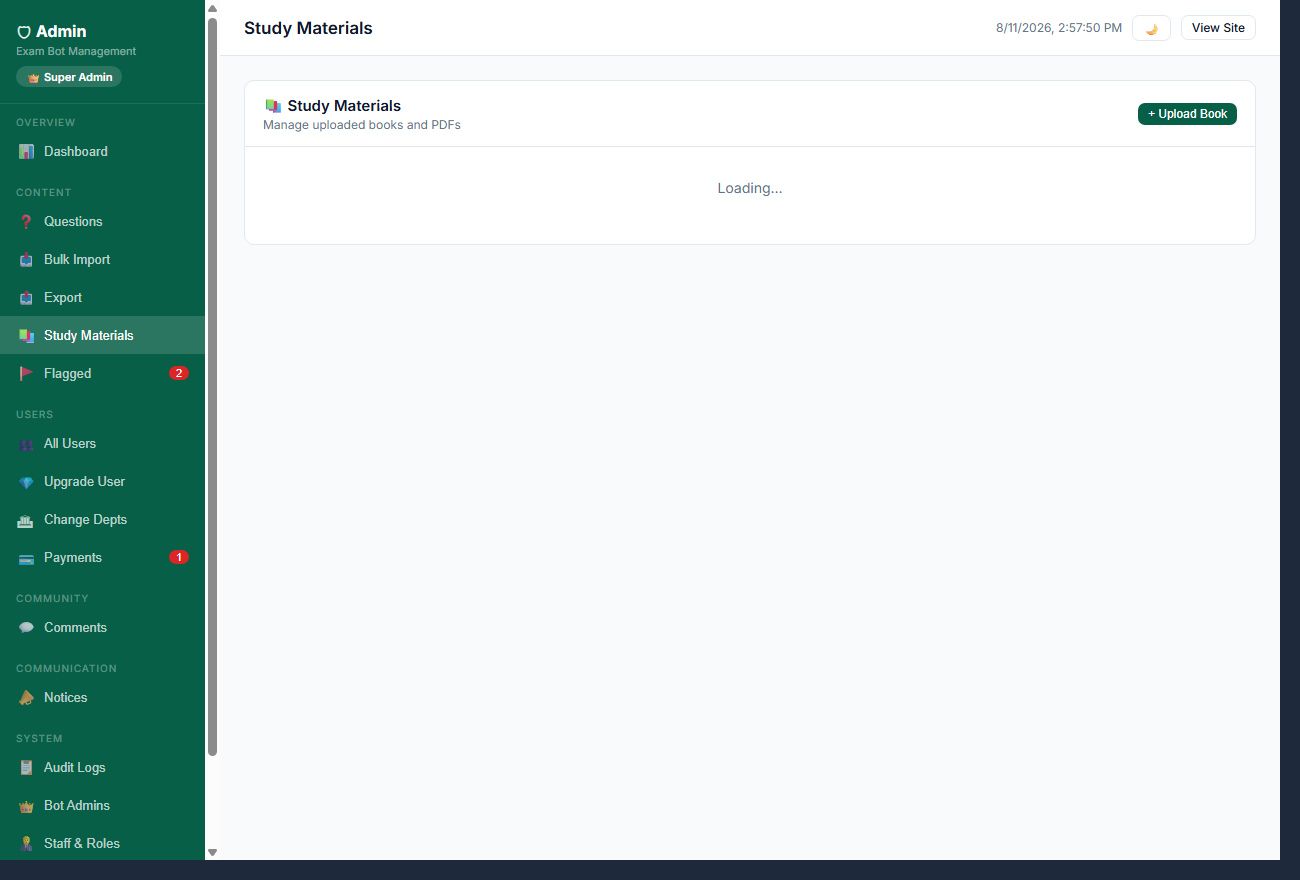
π₯ Download Users CSVπ Study Materials
π£ Notices
| Title | Body | Audience | Status | Created | ||
|---|---|---|---|---|---|---|
| Loading⦠| ||||||
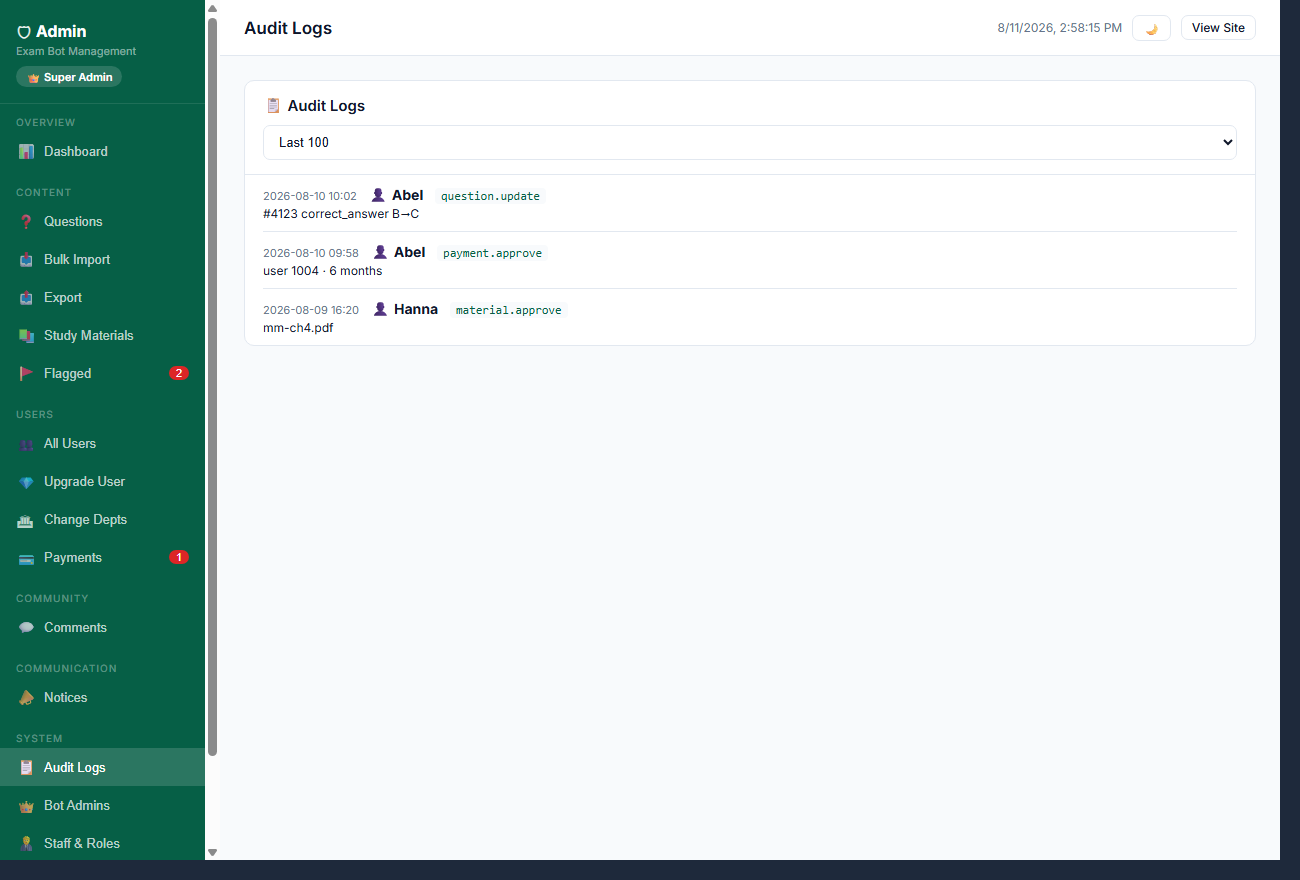
π Audit Logs
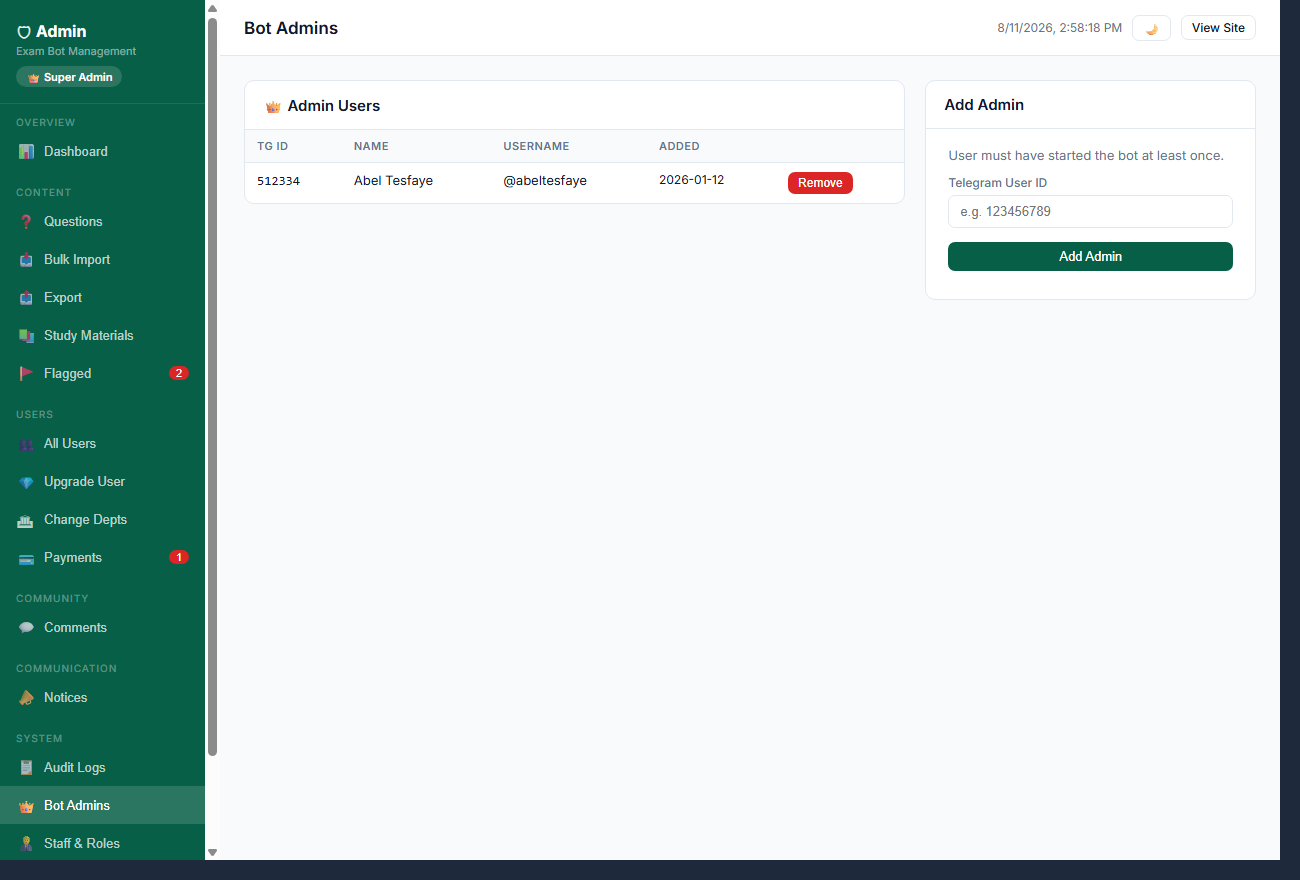
π Admin Users
| TG ID | Name | Username | Added | |
|---|---|---|---|---|
| Loading⦠| ||||
Add Admin
User must have started the bot at least once.
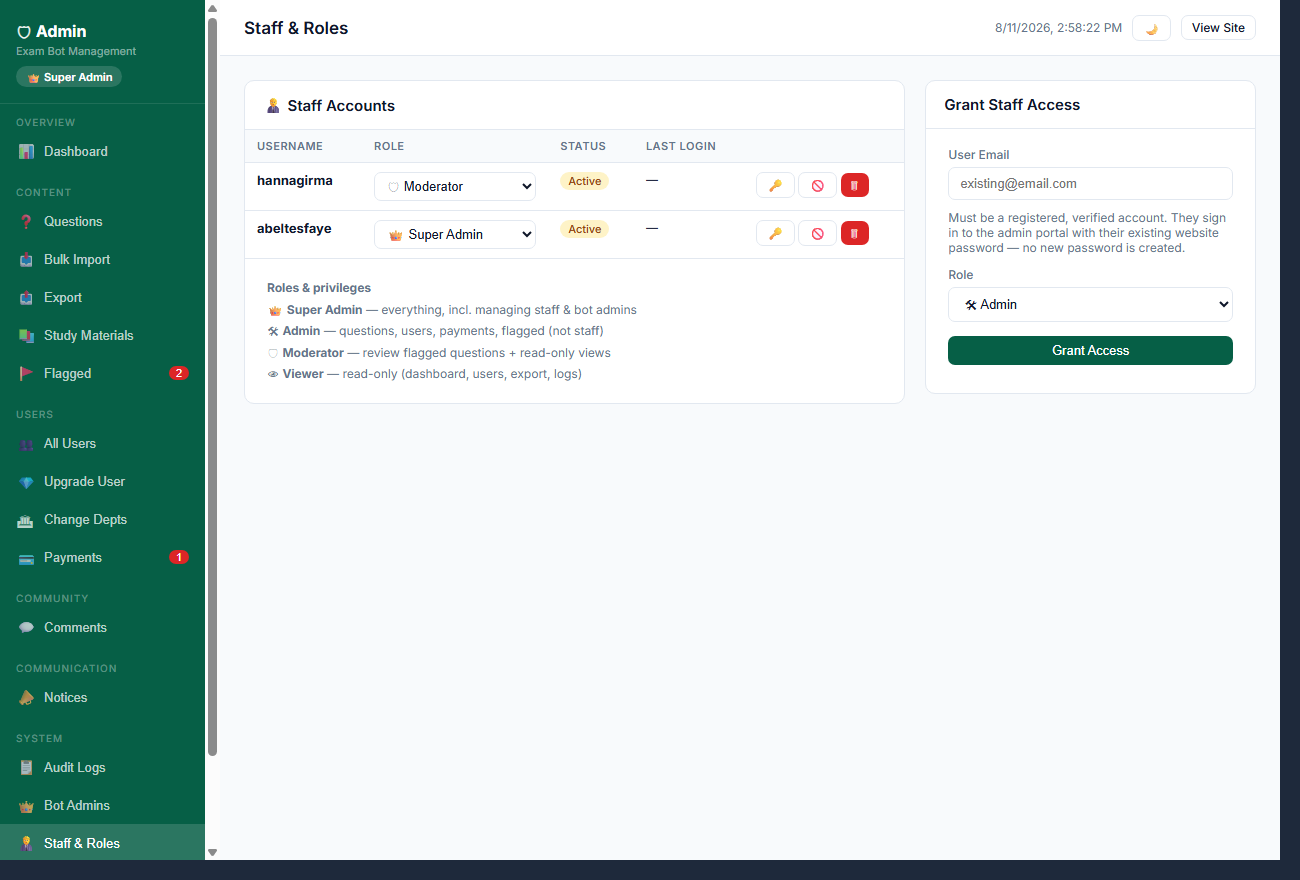
π§βπΌ Staff Accounts
| Username | Role | Status | Last login | |
|---|---|---|---|---|
| Loading⦠| ||||
π Super Admin β everything, incl. managing staff & bot admins
π Admin β questions, users, payments, flagged (not staff)
π‘ Moderator β review flagged questions + read-only views
π Viewer β read-only (dashboard, users, export, logs)
Grant Staff Access
Must be a registered, verified account. They sign in to the admin portal with their existing website password β no new password is created.